Does Solar Fire X supply market prices?
You supply the price data as a CSV file for import.
Financial astrology
Financial astrology compares market activity with planetary cycles. Solar Fire X lets you bring your own price data into the Graphic Ephemeris and examine it alongside planetary timing.
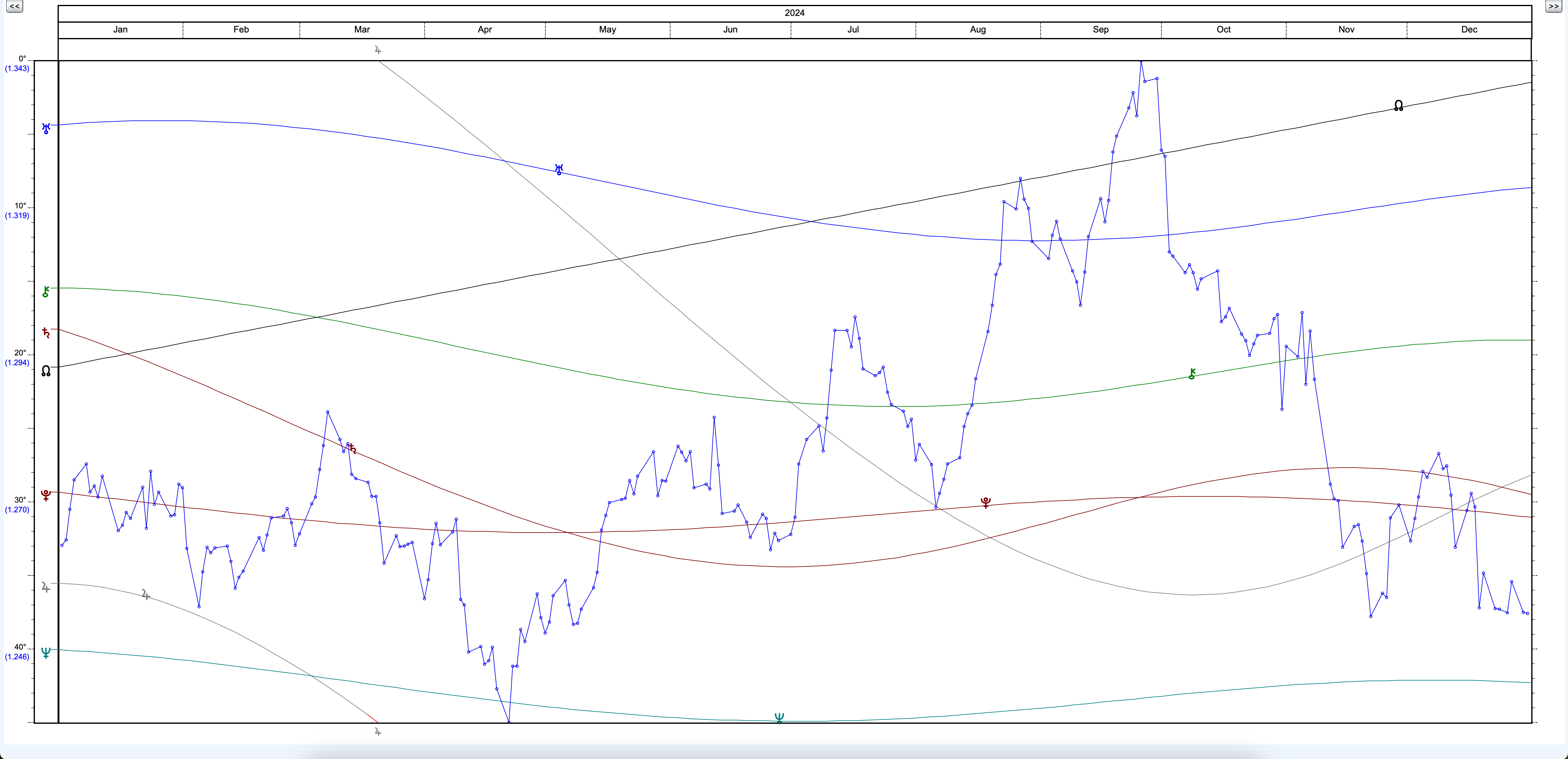
2024 USD/GBP observations overlaid on planetary motion in the Graphic Ephemeris.
Import a CSV file and choose the date and value columns you want to plot.
Overlay the imported data in the Graphic Ephemeris to compare market movement with the planetary picture.
Select the dates you want to examine and compare the same period across your data and ephemeris.
Change the Graphic Ephemeris scale to examine repeating planetary relationships from a different perspective.
Use event charts and the wider transit, progression and direction tools to explore dates that interest you.