
Solar Fire X
Put your astrology on the map.
Astrocartography explores how a birth chart relates to different places. Solar Fire X helps you examine planetary lines and compare locations with relocated charts.
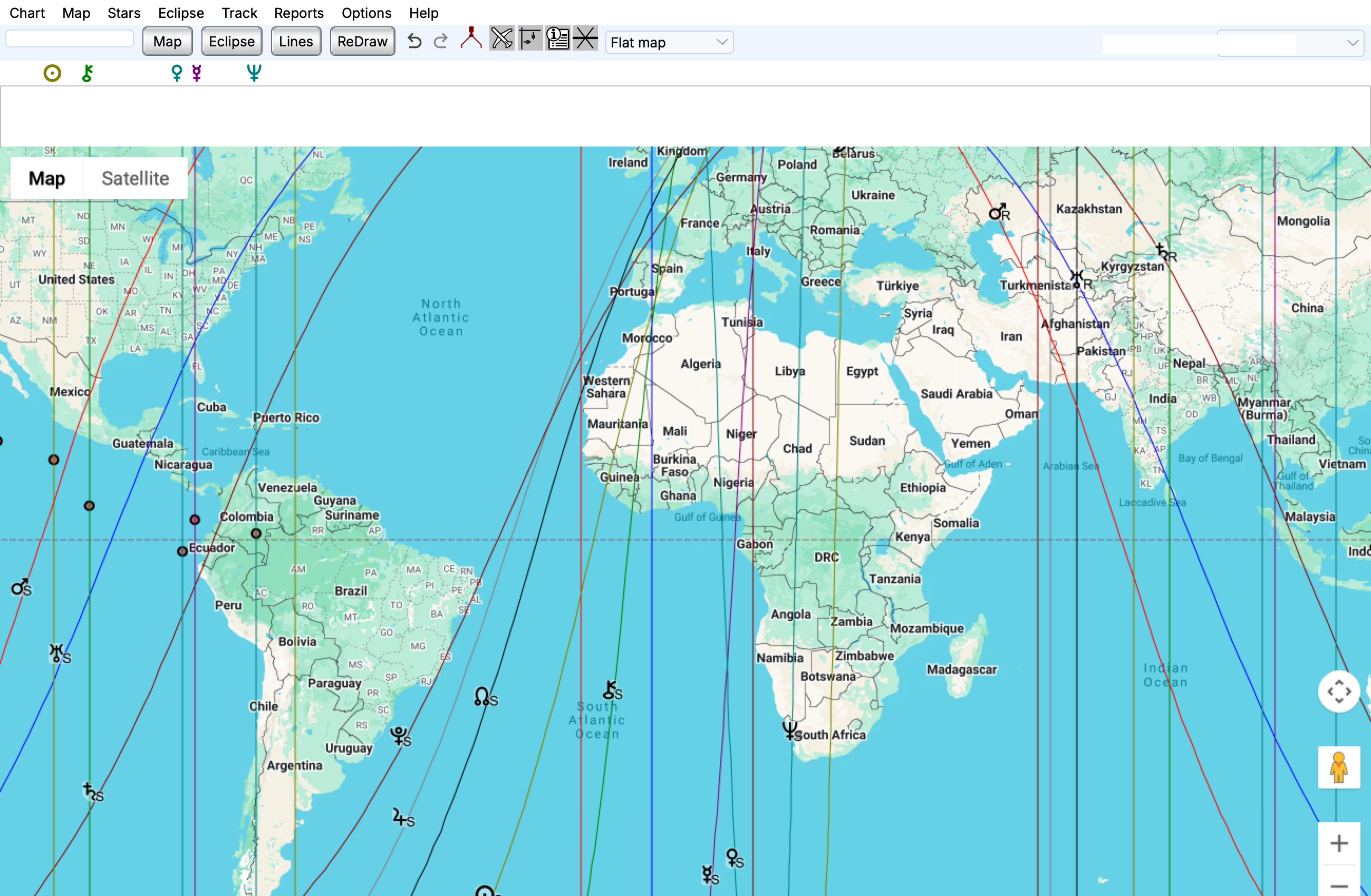
Planetary angular lines on a world map.
Maps
Features at a glance
Astrocartography lines
- MC and IC lines
- Rising/setting and Ascendant/Descendant line types
- Parans: rise/set and rise/culmination combinations
- Local-space directions
- Local-house lines
- Horizon, ecliptic and zodiac-sign lines
- Selected fixed-star lines
Relocation and distance
- Distance measurement
- Relocation charts for a selected place
- Relocated wheel and local-horizon views
Techniques and overlays
- Celestial and geodetic zodiacs
- Geodetic west option and starting-longitude settings
- House-system and ayanamsa selections
- Solar eclipse paths
- Track and event collections
- Selected fixed stars
- Day/night shading
- Animated chart positions
Reports and output
- Map and local paran reports
- City-direction reports
- Relocation interpretations
- Azimuths and aspects
- Line and location interpretations
Explore planetary lines on a Google Map
See where planets rise, set or reach the top and bottom of the sky around the world (in mundo). You can also see the zodiacal lines as opposed to the in mundo. Using Google maps allows you to zoom into the street level, especially useful for local space astrology.
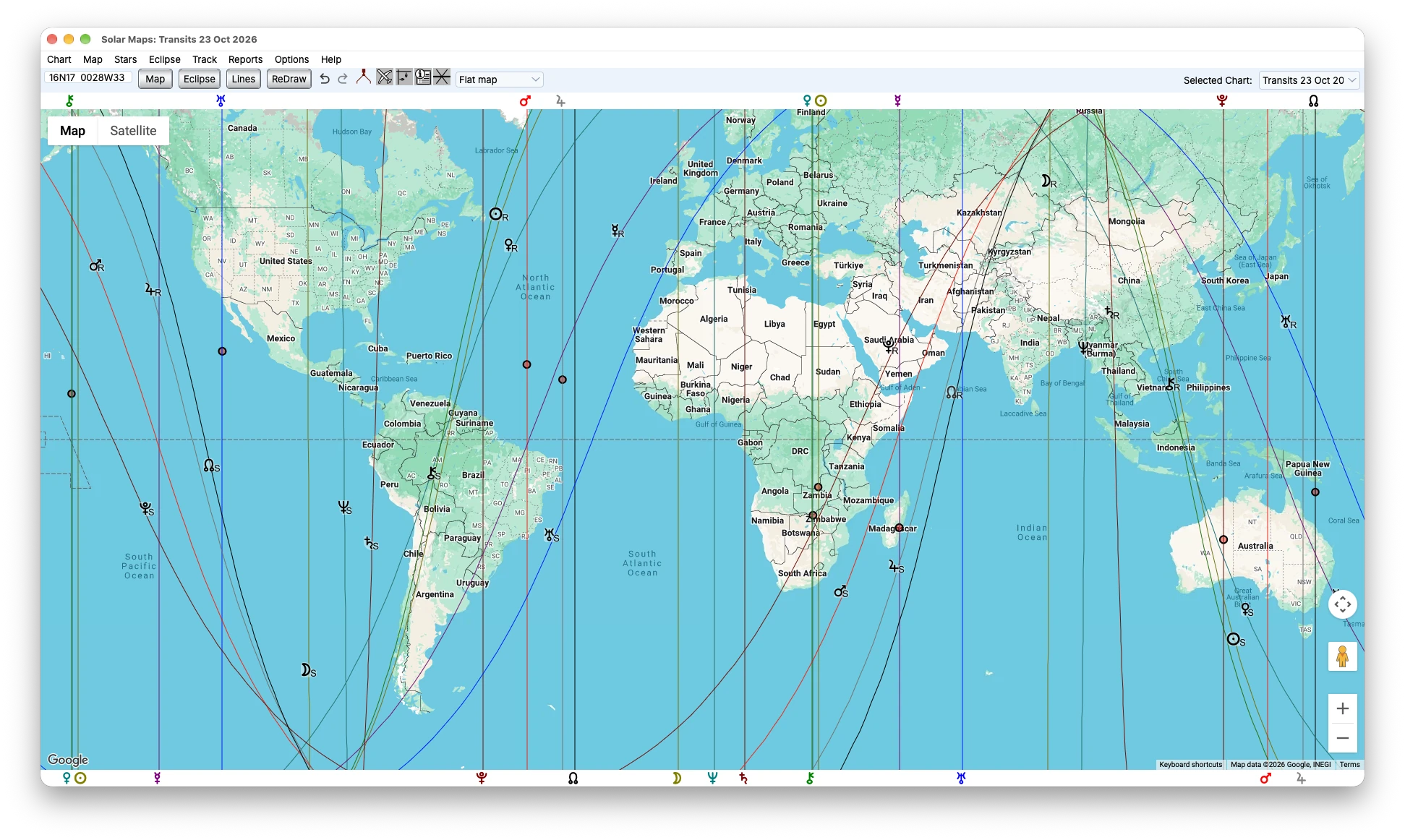
Solar Maps with planetary lines across the world map.
Compare relocated charts
Choose a place on the map and examine how the chart’s houses and angles change there.
Look closer with parans
Explore places where two planets reach key positions together, adding another layer to your map reading. These instances of simultaneous angularity are sometimes called crossings.
Follow local-space directions
View planetary directions from a chosen location alongside the wider geographic picture.
Read location reports
Use map, paran and city-direction reports to examine the places and relationships that interest you.
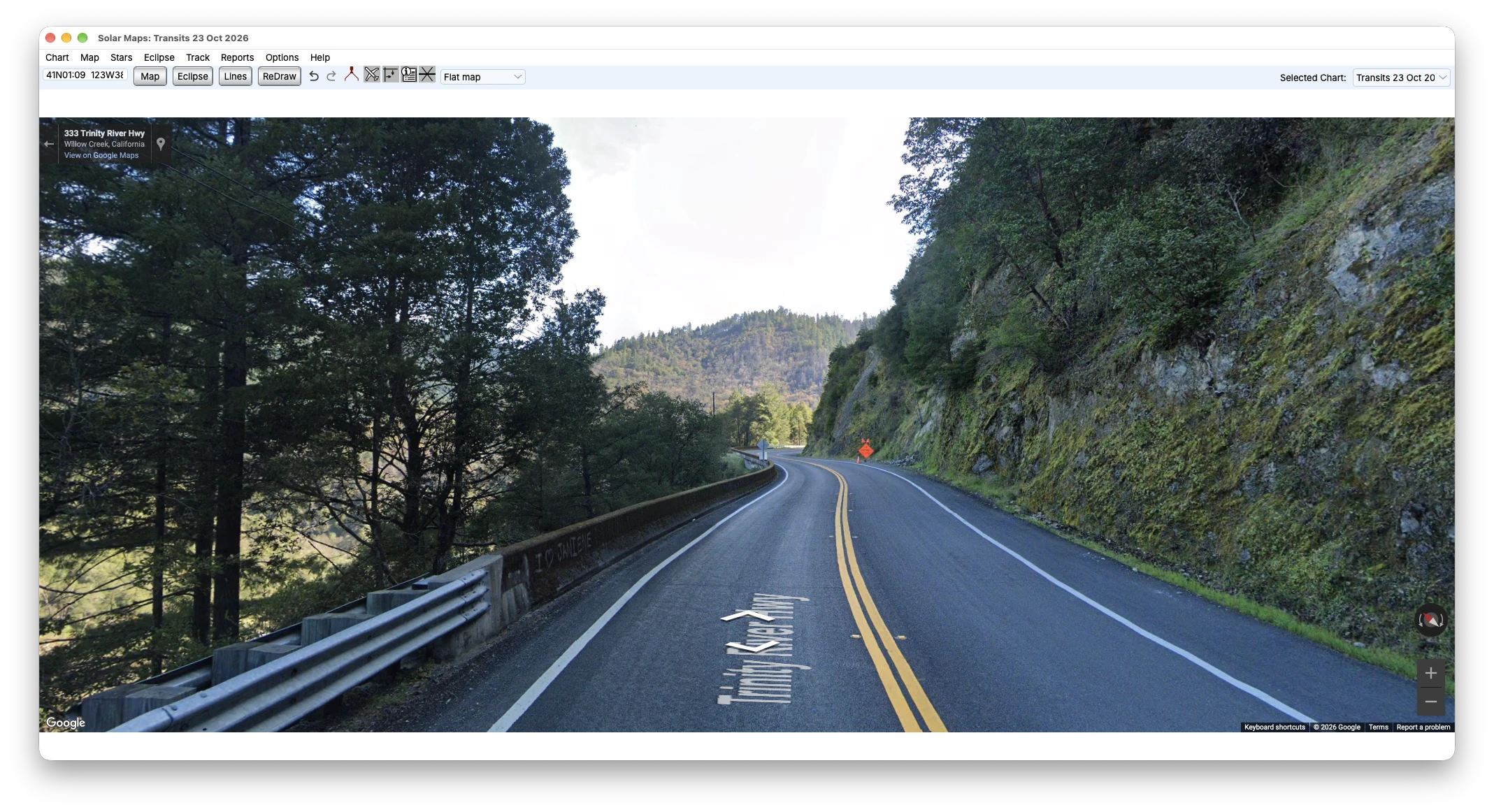
Street-level imagery for exploring a selected location in Solar Maps.
Explore Midpoint LInes
You can also view midpoint lines on the map.
View Multiple Charts on a Map
You can now view your progressions, transits, or Cyclo*Carto*Graphy along with the natal lines on a map. You can also view another person’s chart along with your own on the map.