Solar Fire X
Midpoints/
Explore midpoint relationships in a dedicated dial workspace or use the midpoint listings under Reports/Chart Analysis.
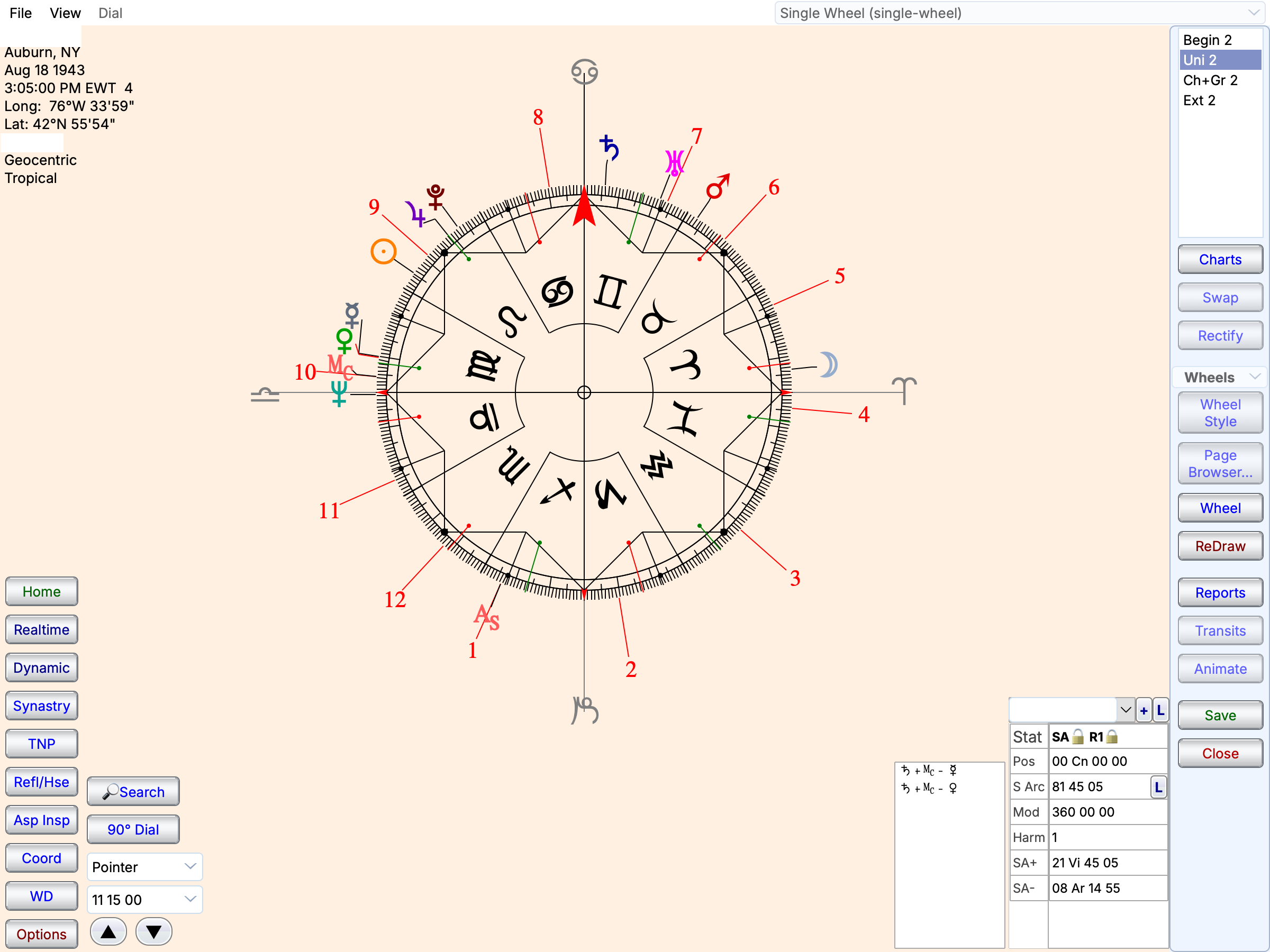
Chart positions in the symmetry pointer workspace.
Midpoints/Cosmobiology
Features at a glance
Dial workspace
- Dial-style selection
- Configurable modulus and orbs
- Chart comparison through dial views
Coordinates
- Geocentric longitude
- Right ascension
- Heliocentric longitude
- Local space
- Regiomontanus, Campanus and Placidus coordinates
- Altitude and latitude
- Declination and mundane declination
- Speculum view
Midpoints and planetary pictures
- Point-to-midpoint contacts
- Midpoint listings
- Midpoint axes, trees and modes
- Munkasey Midpoint Weighting Analysis
- Sorted differences
- Sensitive points and Arabic Part formulas
- Equal-opening, sum and difference inspectors
Timing and interpretations
- Transiting, progressed and directed chart layers
- Animated dial views
- Midpoint interpretation text
- Configurable point and aspect selections
- Dial and report objects in page layouts
Define the setup
Choose the dial modulus, points and orbs for your method, then inspect the contacts within that setup. Keep the same settings when comparing charts or returning to an earlier analysis. You can also use the 360 and 90 degree dial formats used by Symmetrical astrologers in addition to dials in various harmonics..
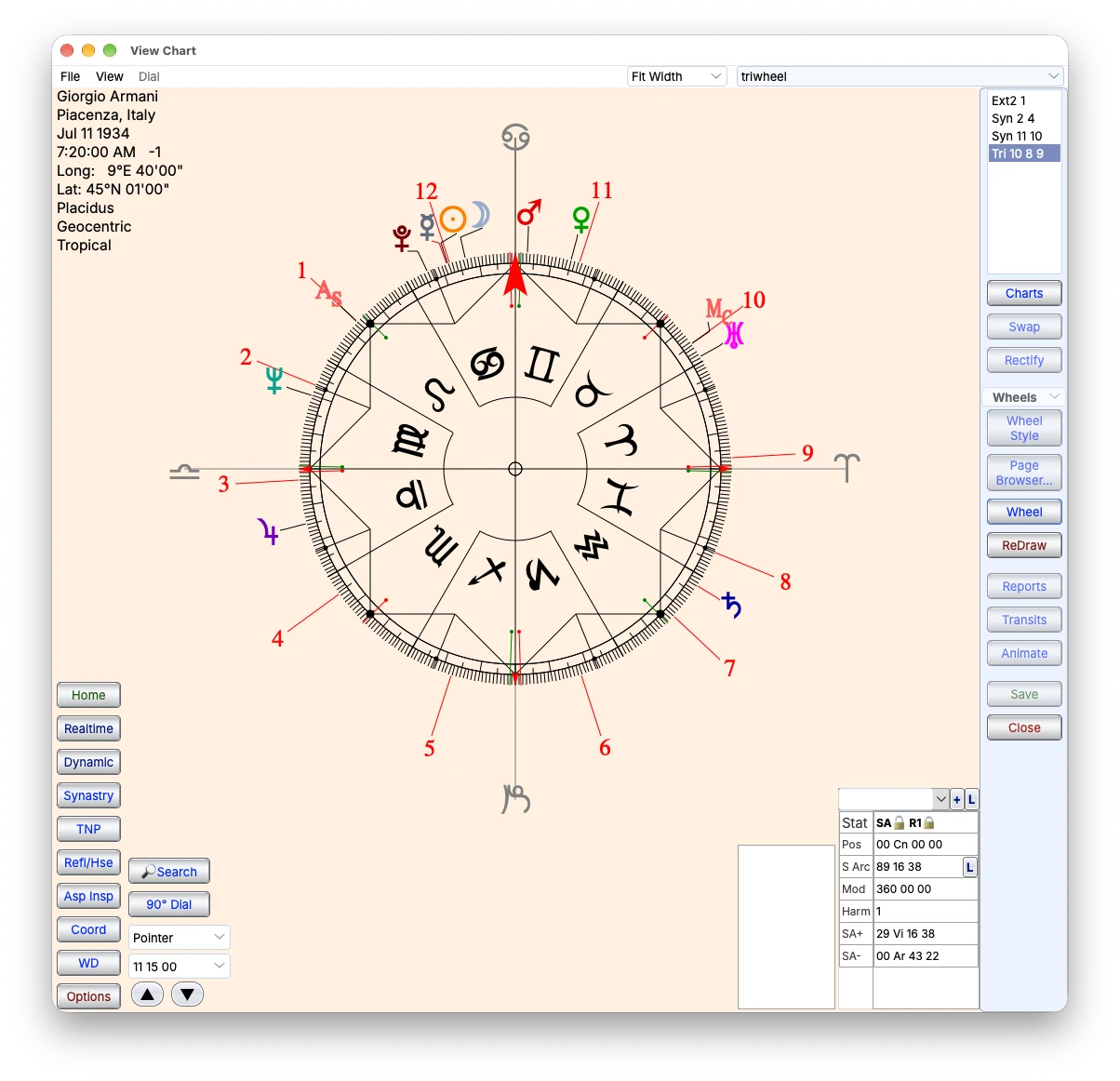
A full zodiac wheel with pointer controls and coordinate information.
Inspect midpoint relationships
Use the dial workflow to examine point-to-midpoint contacts. Related midpoint listings, axes and trees provide other ways to inspect the chart material.
Read the contacts using the conventions of your chosen method, with the dial and related listings available for comparison.
Start with a clearly specified example
Start with one chart and a focused set of points. Examine a contact on the dial, compare it with the positional listing, then add the layers needed for your analysis. As you move the dial, a red horizontal line will define a midpoint on that position. You will also see a midpoint tree appear in the center of the dial. You may choose various dial styles.